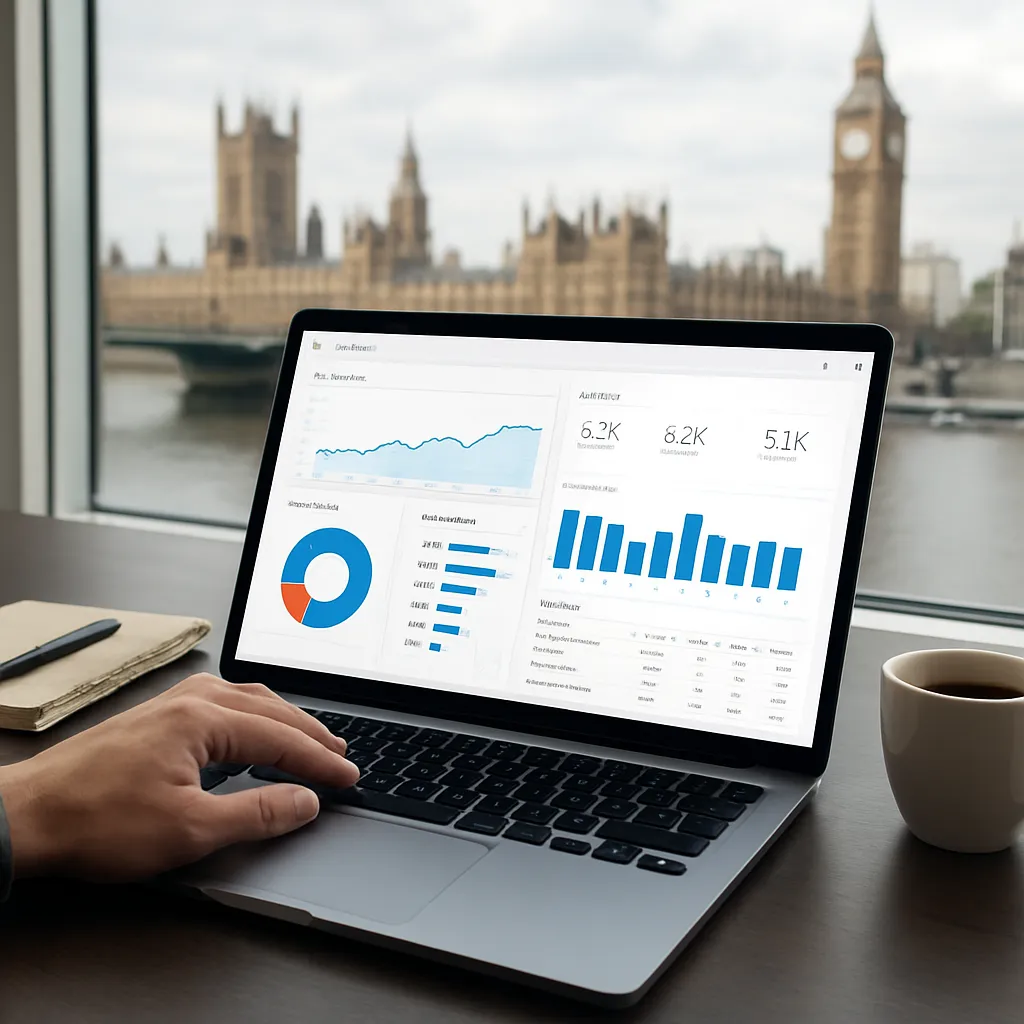
Effective Data Studio implementation can transform the way London-based agencies approach SEO reporting. By leveraging the platform’s flexible features, experts can generate custom dashboards that deliver real-time insights into campaign performance. This article explores practical steps for setting up and optimizing reports, ensuring London businesses stay ahead in a competitive market.
Understanding Data Studio for SEO in London
Google’s Data Studio is a free, cloud-based tool designed to create interactive, shareable dashboards from multiple data sources. For London SEO professionals, it offers the ability to consolidate information from Google Analytics, Google Search Console, and third-party platforms like Ahrefs or SEMrush.
Why Data Studio Matters for SEO Experts
- Customizable visualizations: Tailor charts to specific KPIs relevant to London markets.
- Real-time updates: Automated data refresh reduces manual exports.
- Shareability: Secure sharing options for clients and teams.
Key Data Sources
- Google Analytics: Traffic trends, user behavior, goal completions.
- Google Search Console: Query performance, index coverage, CTR.
- Third-party APIs: Backlink profiles, keyword rankings, site audits.
Setting Up Data Studio for SEO Reporting
Successful setup involves connecting relevant data sources, designing a logical layout, and defining key metrics. Follow these steps to build the foundation for robust SEO dashboards.
1. Establishing Data Connections
- Select “Create” > “Data Source” and choose the connector for Google Analytics or Search Console.
- Authorize access using your London-based agency’s Google account.
- For third-party tools, use community connectors or upload CSV exports.
2. Structuring Your Report
- Define a clear hierarchy: Summary metrics at the top, detailed charts below.
- Use dashboards with multiple pages: overview, keyword analysis, and technical health.
- Maintain consistent styling: fonts, colors, and chart types for a professional appearance.
Template Best Practices
- Header section: Logo, report title, last updated timestamp.
- Navigation menu: Page links for different report segments.
- Filter controls: Date range, traffic source, device type.
Essential Metrics and Visualizations
Choosing the right metrics ensures clients understand the direct impact of SEO efforts. Visualizations should highlight trends, anomalies, and opportunities.
Core SEO Metrics
- Organic sessions: Total visits from search engine results.
- Average position: Mean ranking across tracked keywords.
- Click-through rate (CTR): Ratio of clicks to impressions from Search Console data.
- Conversion rate: Percentage of traffic completing goals or transactions.
- Backlink count: Number of referring domains pointing to the site.
Recommended Chart Types
- Line graphs: Ideal for time-series data like sessions or rankings.
- Bar charts: Compare month-on-month changes in top queries.
- Pareto charts: Identify the 20% of pages driving 80% of organic traffic.
- Geo maps: Visualise regional performance within Greater London.
- Scorecards: Highlight critical KPIs such as total organic users and goal completions.
Interactive Filters and Controls
- Date range picker: Compare performance across time periods.
- Dropdown for landing pages: Focus on high-priority URLs.
- Device category filter: Desktop vs. mobile trends.
Customization for Local Market Insights
London’s competitive landscape demands tailored dashboards that reflect local searches, seasonal trends, and competitor benchmarks.
Incorporating Local Search Data
- Google My Business connector: Track impressions and clicks from local pack results.
- Terms with “London” or boroughs: Segment queries containing specific location names.
- Regional performance: Use geo proximity filters for target postcodes.
Seasonal and Event Tracking
- Annotate reports around peak events: London Fashion Week, Christmas shopping.
- Overlay campaign periods: Paid ads vs. organic uplift.
- Holiday schedules: Evaluate impact of bank holidays on traffic.
Competitor Benchmarking
- Integrate APIs: Ahrefs or SEMrush for domain comparison.
- Share of voice: Proportion of total clicks for target keywords.
- Gap analysis: Identify keywords where competitors outrank your site.
Enhancing Collaboration and Automation
Efficient workflows and team alignment are critical. Data Studio’s collaboration features help London agencies deliver timely updates and maintain transparency.
Sharing and Permissions
- Viewer vs. Editor roles: Control who can modify the report.
- Embed options: Display dashboards on intranet or client portals.
- Scheduled email delivery: Set up automated PDF exports to stakeholders.
Automating Data Refresh
- Default connectors: Auto-refresh every 12–24 hours.
- Custom scripts: Use Google Apps Script for more frequent updates.
- Data blending: Merge multiple sources without manual uploads.
Leveraging Community Templates
- Access marketplace for pre-built SEO templates tailored to London markets.
- Customize templates: Adapt charts and filters to your agency’s branding.
- Contribute back: Share your own templates with the community.